Project-driven businesses
deserve Dynamics SL stability
today and smarter roadmaps
to modernization.
For project-centric teams (construction, professional services, government contractors, engineering firms), your path to Business Central is both urgent and in need of a partner who understands what SL actually does for you.
We keep SL stable today and map a migration that protects the project accounting, billing, and revenue recognition work SL users depend on.


Keep SL stable through 2028.
Tax table updates, year-end help, integrations, and custom report fixes.

Tighten what you have while you plan.
Project billing tune-ups, revenue recognition cleanup, Flexkey restructuring, and reporting work that makes SL run the way you actually need it to.

Move without losing project DNA.
Business Central plus project-accounting extensions so SL users keep the PSA functionality they depend on. We plan the data, the reports, and the cutover.
Project-centric ERP is not a side specialty for us.
SL was built for project accounting, meaning service organizations, construction, government contractors, engineering firms. Other partners have a tendency to treat SL as a niche. Our team has decades of hands-on work with project-driven ERP, including the Microsoft product groups that shaped what SL does well.
That's why our migration path for SL users isn't "run the BC default." It's a plan that accounts for the project billing, revenue recognition, and multi-entity work your team does every day.
What you get from us:
- Project-accounting depth, not generic ERP
- Migration paths that preserve PSA functionality
- Predictable pricing and timelines with proven methodology
- Support that stays past go-live
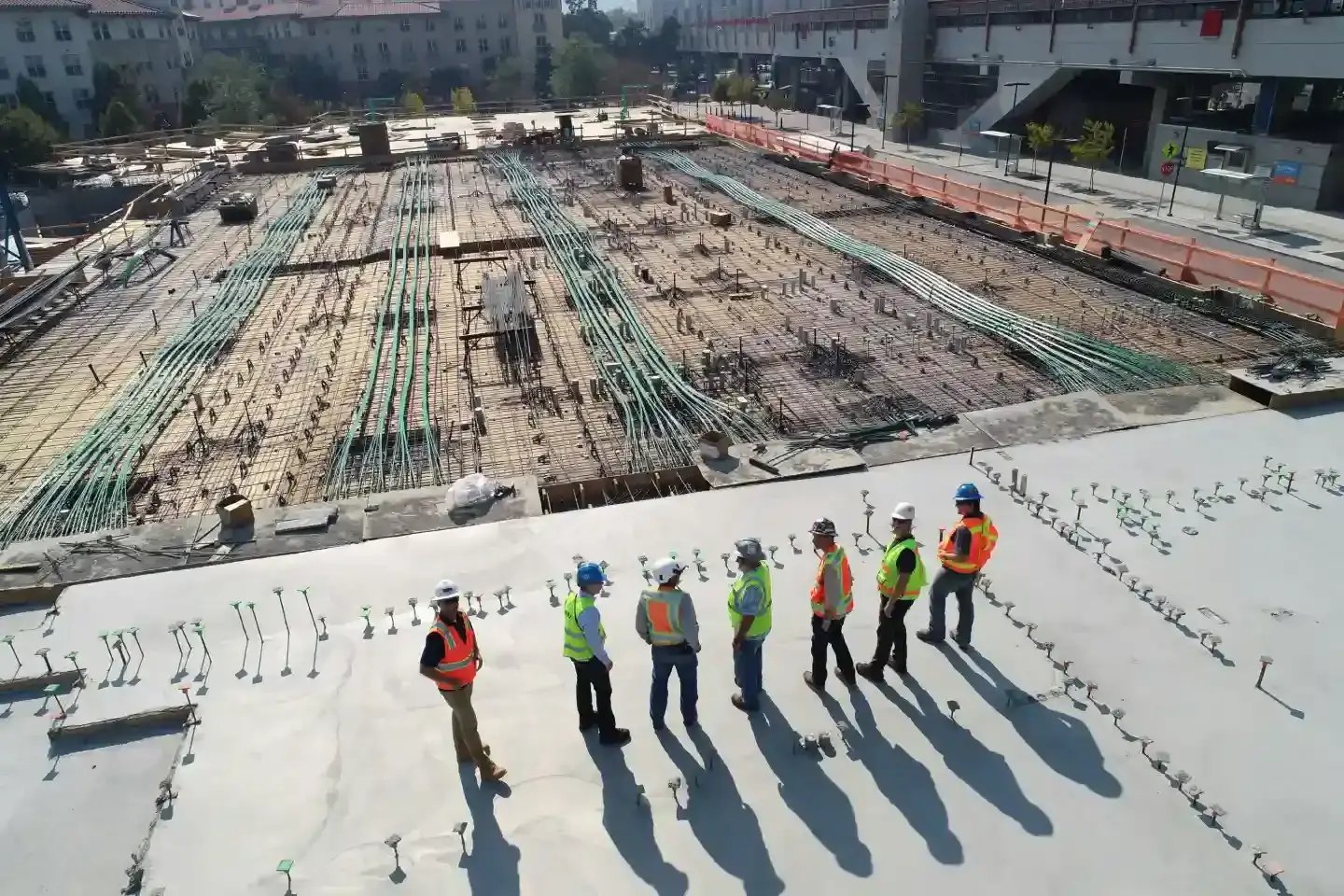
Construction
Job costing, change orders, and multi-entity work that holds up at scale. PCL Construction built its next-generation project platform with us.

Professional services
Project accounting, time and expense, billing, and revenue recognition that keeps up with how services firms actually work.

Government contractors
DCAA-aware project billing, indirect cost pools, and compliance-ready reporting for firms that live and die by audits.
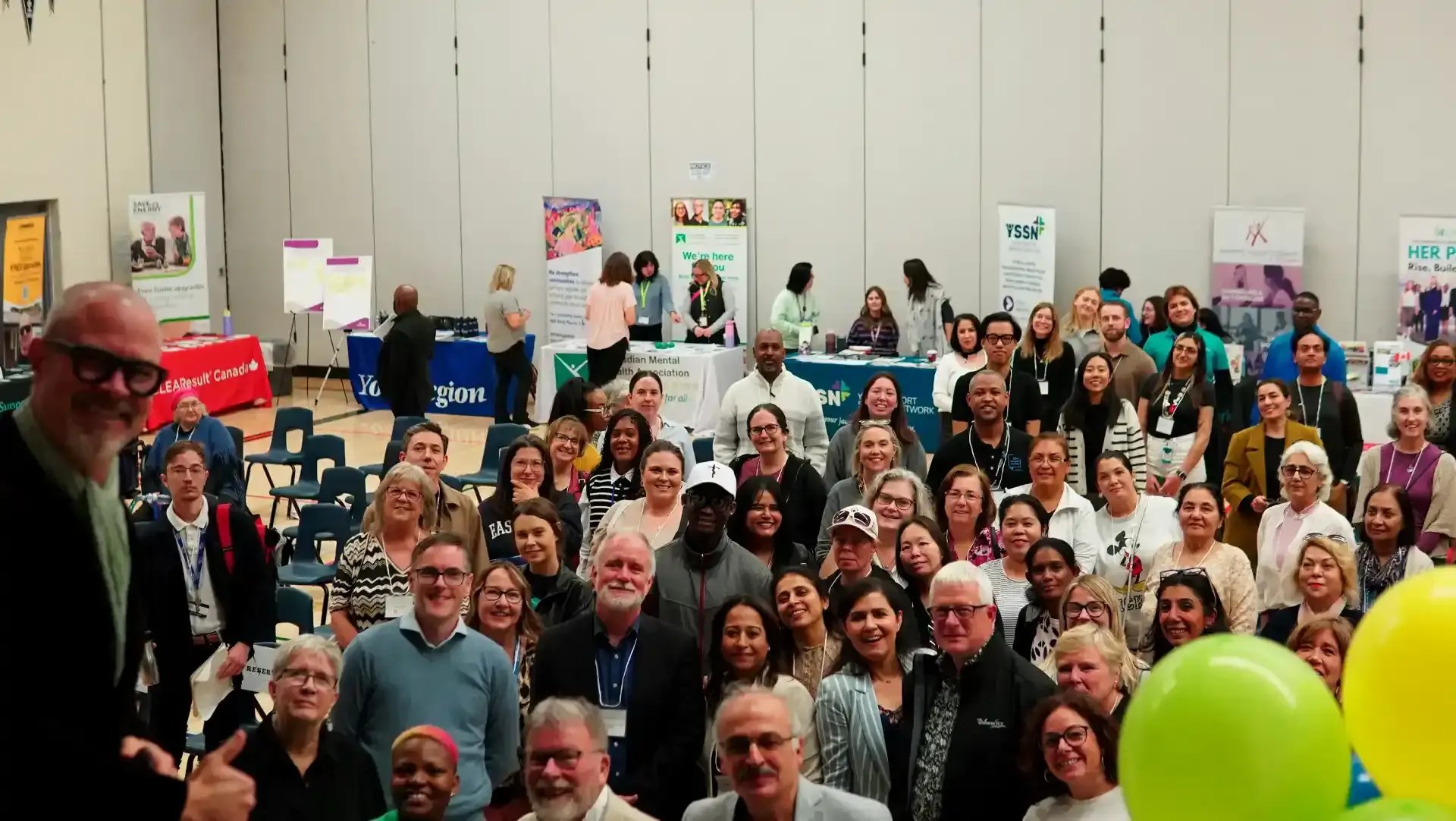
Nonprofits & associations
Grant tracking, fund accounting, and the AP workflow upgrades our clients move to when they leave SL behind.