One of the most notable ways our team members have rallied together is with our efforts to support Ukrainians during their ongoing war with Russia. Enavate’s commitment to the Ukrainian community is personal to us as a business and our team members, especially those who call Ukraine home.
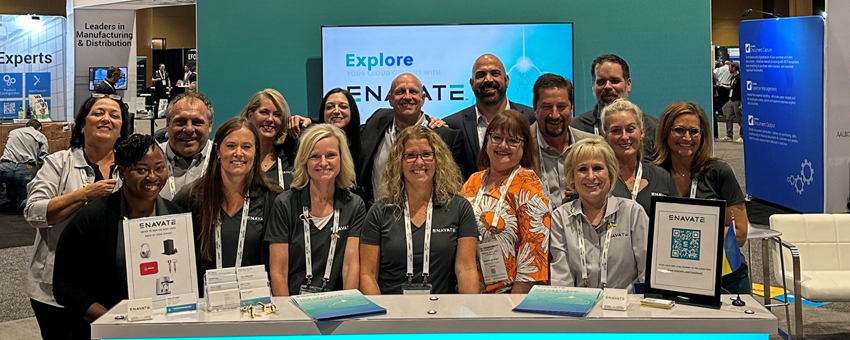
We want to share the key insights and takeaways we learned from gathering with the Dynamics Community at Summit. Join us for our Top Takeaways from Community Summit NA 2022, where our panelists will discuss what they learned and what was reaffirmed with other Dynamics leaders.
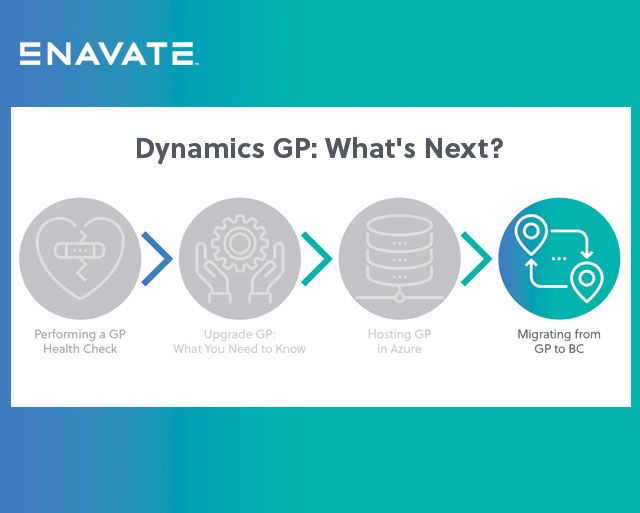
Many SMBs are still using Microsoft Dynamics GP (Great Plains) on-premise. Find out if a D365 Business Central migration is right for your business.
Microsoft Dynamics 365 Business Central’s licensing can be challenging to navigate. How do you know what level of licensing you need? How much do licenses cost?
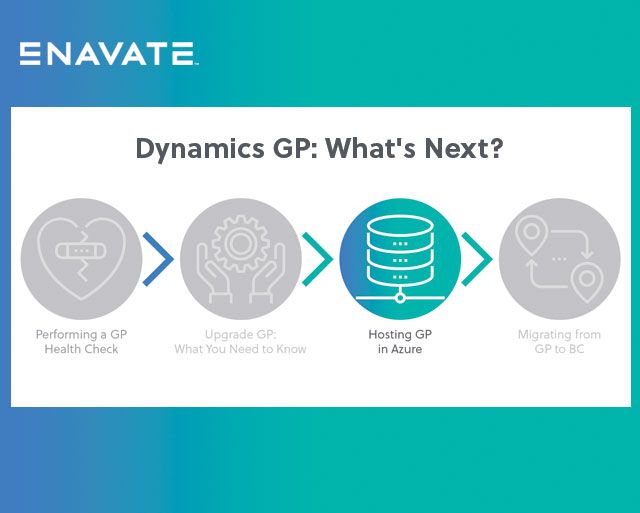
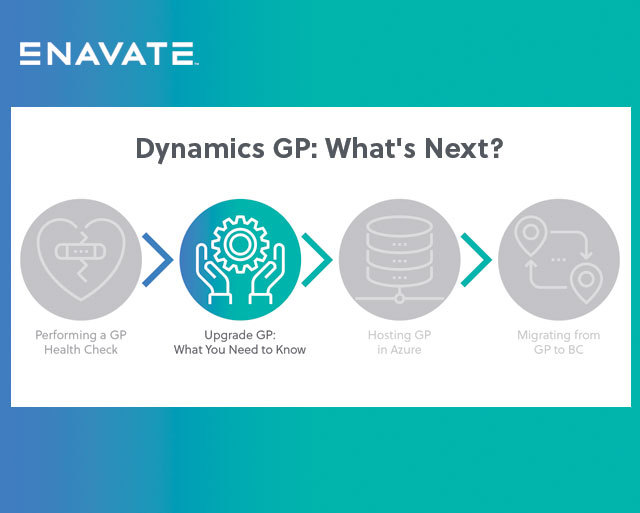
This is the third article in a four-part series Enavate has put together to help organizations currently using Microsoft Dynamics GP understand how and where they can get additional value out of their GP environment, whether that is for their existing version, for a potential upgrade to a newer version, or for moving to the latest platform, Microsoft Dynamics 365 BC.
If your company is still operating with an on-premises ERP system, you surely have business reasons and process concerns keeping you there. But if your ERP can’t keep up, your operations are at risk.
Dynamics GP (Great Plains) is Microsoft’s legacy ERP system and has at least 15,000 active users. GP has undergone many iterations, including Dynamics GP 2015, Dynamics GP 2016, Dynamics GP 2018, 18.2 and GP 18.3. The most current version is 18.4, aka GP 2022.
Creating a connector is faster and more cost-effective than traditional integration techniques. With a certified connector, you can easily integrate your software without the expense and hassle of developing multiple point-to-point integrations – simply attach the connector to your application to get your solution and Microsoft’s systems talking. 
Power BI is Microsoft’s leading business intelligence tool. It gathers data from various sources to provide businesses with in-depth demand forecasts and operational insights. By integrating your Power BI with Microsoft Dynamics 365 Business Central, you can gain a holistic view of your organization by viewing big-picture reports or specific breakdowns within a central, user-friendly portal.

Looking for more
specific assistance?

Our team can get into the specifics of your environment.
No prep work required.