This is Part 4 in a series for Microsoft Dynamics SL year-end closing best practices. This blog outlines the year-end closing for the Project Controller Module in Dynamics SL.

This is Part 3 in a series for Microsoft Dynamics SL year-end closing best practices. This post outlines the year-end closing for the Flexible Billings, Order Management and Accounts Receivable modules in Dynamics SL.
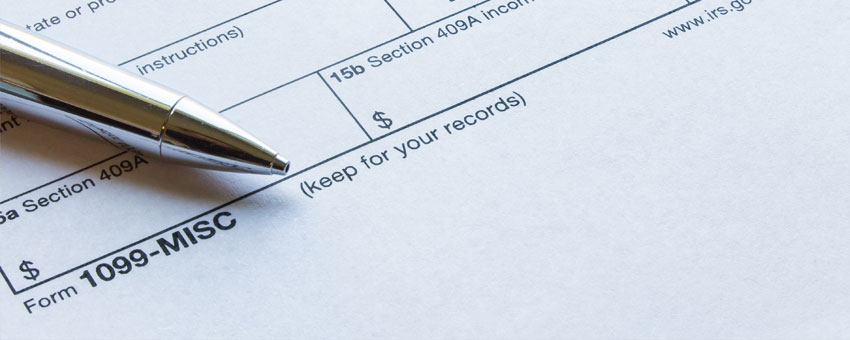
Closing Accounts Payable includes reviewing Accounts Payable data along with Purchasing and the preparation for generating the 1099s.
This is Part 1 in a five-part series for Dynamics SL year-end closing best practices. This post outlines year-end closing for the Inventory Module in Dynamics SL. It contains a checklist of steps and detailed information.
When going about a day of seemingly endless data entry in Microsoft Dynamics SL, do you find yourself thinking, there must be an easier way to do this? The good news is there are several ways to make these tasks easier and more efficient. Below are a few options that will change the way you think about and use the Journal Transactions screen.
In Part 1 of this two-part blog series, we covered the not often considered mid-year phase of 1099 data management and processing. The guidance provided sets the stage for success during year-end processing, which we will focus on here. So, let’s fast-forward to December and cover the tasks completed during the year-end phase.
With a proactive mid-year phase of 1099 data management and processing in Microsoft Dynamics SL, the rush associated with year-end can be minimized.
Updating and deleting Users in Dynamics SL are common maintenance items, as employees’ roles can change, or they may simply no longer be a part of the organization.
Creating Users in Dynamics SL isn’t something that is done every single day. Because of this, one cannot always recall exactly how to complete the tasks. To help with this common support request, I have provided the following step-by-step guide as part 1 of our two-part User Administration Series for Dynamics SL.

Looking for more
specific assistance?

Our team can get into the specifics of your environment.
No prep work required.