Setting up a chart of accounts in Microsoft Dynamics 365 Finance and Operations requires prior analysis and planning for how accounts and dimensions will be set up. Therefore, before configuring your charts of accounts, spend some time thinking about the most correct and efficient way to set it up. Luckily, Microsoft has made some helpful improvements to simplify the process.

Word templates are a useful tool within Microsoft Dynamics GP when you want to create a PDF or email a printout to a client. By default, the system will not allow you to send a Report Writer report as a PDF or another format. To achieve this functionality, you need to set up a Word form. To do this, start by creating a Word template.
Before you take the first step to implement your new ERP solution, make sure you’re building on the right foundation. Most ERP failures happen for preventable reasons – many of which are tied to lack of buy-in within an organization or having the wrong implementation vendor on board.
You lock down your systems, train your employees and implement internal and external checks and balances. But how do you proactively protect against fraud that targets your bank accounts? The answer is simple: Implement and start utilizing Microsoft Dynamics GP SafePay.
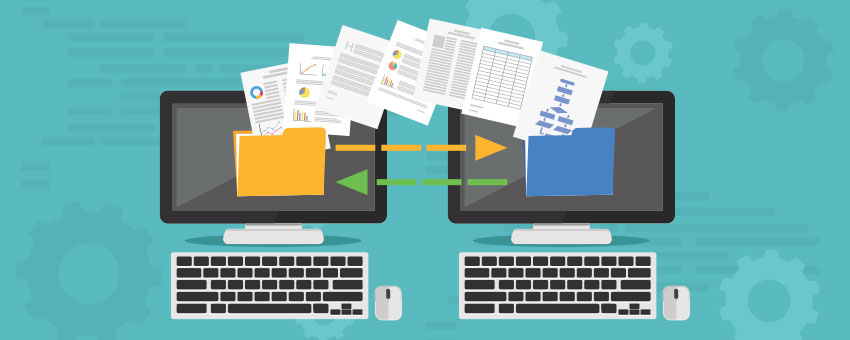
What’s more, several things have changed from Dynamics AX 2012 to Dynamics 365 (D365). This blog will cover the basics for getting started using the data sharing feature in both versions, with a short guide on how to set it up.
It’s important to perform routine maintenance of your Microsoft SQL Database and Application servers regularly. Whether monthly, quarterly or annually, a scheduled maintenance will ensure that changes to the environment have not introduced instability.
The historical aging report delivered out of the box with Microsoft Dynamics GP has some challenges. If you’d like to export it to Excel, the rows and columns do not align. This makes it difficult to analyze or share with coworkers who don’t have a GP login.
Updating and deleting Users in Dynamics SL are common maintenance items, as employees’ roles can change, or they may simply no longer be a part of the organization.
Creating Users in Dynamics SL isn’t something that is done every single day. Because of this, one cannot always recall exactly how to complete the tasks. To help with this common support request, I have provided the following step-by-step guide as part 1 of our two-part User Administration Series for Dynamics SL.

Looking for more
specific assistance?

Our team can get into the specifics of your environment.
No prep work required.