

What the Migration Assessment Tool Reveals
- Readiness to migrate to the Cloud
- Migration options based on modules and data in your Dynamics ERP solution
- Guidance on your Cloud journey so you can plan accordingly
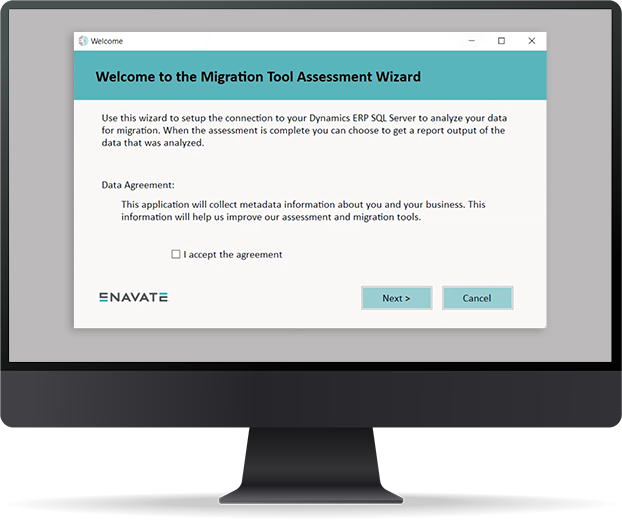

Step 1
You will receive an email with a link to download an “ .exe” file and a “.config” file. (You’ll want to download the two files to a location on a machine in your company environment.)

Step 2
To run the assessment tool, enter the name of your SQL server, as well as your username and password to your Dynamics ERP database.

Step 3
The assessment tool will look at the version information of your SQL server and ERP solution. It will collect metadata such as which ISV solutions you’re using, the number of customers and vendors in your system, and the number of transactions and modules you are using within your ERP.

Step 4
Once the assessment is finished, the metadata information is compiled into a report. Your Account Manager will reach out to discuss the results and options.